Worker Activity Monitor
Desktop AppIn Development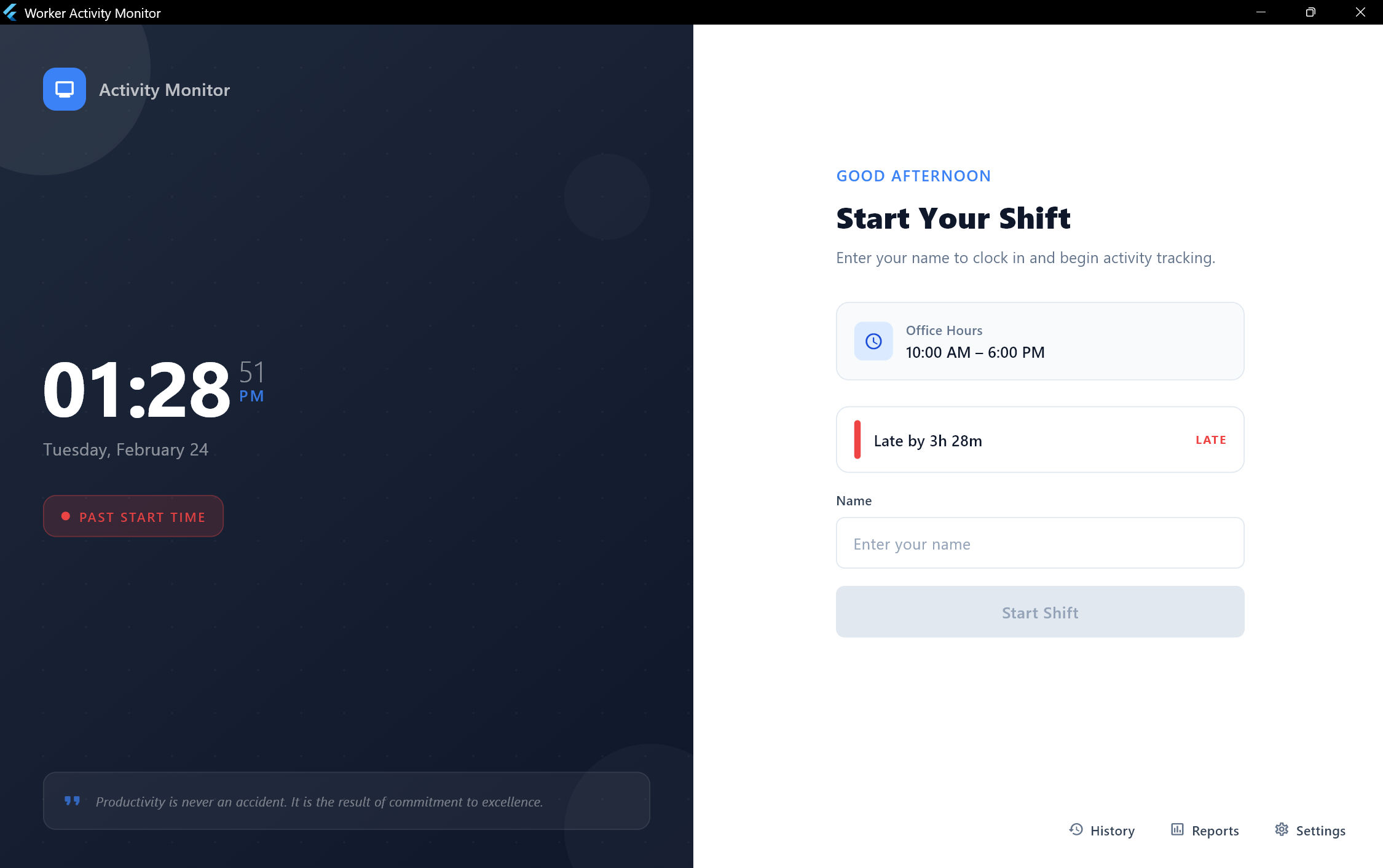
I built this because of a real problem I saw at a company I used to work at — lazy workers who weren't doing their job, and managers who had no way to see what was actually happening. I wanted to give managers a clear picture of their team's productivity so they could make their business successful. The app tracks everything: mouse and keyboard activity, which apps are being used, what websites are open, and even uses AI eye-tracking through the camera to detect if someone is paying attention or not. It runs fully offline with no cloud dependency, and generates daily PDF reports for each worker. I built the whole thing in about one week using Flutter for the UI and Python for the AI eye-tracking side.
Key Features
- Real-time mouse movement and keyboard input tracking via Win32 FFI with configurable idle thresholds (10-60s)
- Application usage analytics with foreground app detection and friendly name mapping for 25+ applications
- AI-powered eye tracking using local MediaPipe Face Mesh (468-point landmarks) at ~5 FPS for EAR, head pose, iris gaze, and face occlusion detection
- Combined attention status merging physical activity + eye tracking into 4 states: Active, Watching, Suspicious, Idle
- Smart video content detection classifying watching as productive or idle across 30+ streaming/educational platforms
- Typing quality analysis with per-minute keystroke metrics, burst patterns, key ratios, and suspicious activity detection
- Shift lifecycle management with crash-resilient resume, timeline reconstruction, and auto-end at configured time
- Professional PDF reports with shift summary, activity timeline charts, app usage breakdown, and attention metrics
- System tray integration with minimal footprint and full shift control from the taskbar notification area
- Browser URL tracking via COM automation supporting Chrome, Edge, Firefox, Brave, Opera, and Vivaldi
Tech Stack
Technical Details
Flutter Desktop handles the UI with Provider for state management, fl_chart for activity visualizations, and PDF generation for daily reports. The AI side runs as a separate Python process using MediaPipe Face Mesh for eye-tracking and head pose estimation — it communicates with Flutter through JSON streaming. I used Win32 FFI to track mouse movement, keyboard input, and detect which app is in the foreground. Browser URL tracking works through COM automation across 6 browsers (Chrome, Edge, Firefox, Brave, Opera, Vivaldi). SQLite stores all data locally with per-second granularity. The app has 9 screens including a live dashboard, report viewer, app usage breakdown, and settings.
Challenges & Solutions
The current limitation I'm working on is multi-monitor support. Right now the app uses the laptop camera, so if a worker has multiple monitors and looks at a second screen, the system marks them as suspicious or idle — even though they're actually working. I'm exploring solutions for this. Another challenge was making Flutter and Python work together smoothly — the Python process runs MediaPipe at ~5 FPS and streams results to Flutter without blocking the UI. Each browser also exposes accessibility data differently, so URL tracking needed custom handling per browser.
Role
Solo Developer
Duration
1 week (core build) + ongoing improvements
Status
In Development