Point of Sale (POS) System
Desktop AppIn Production — 1 paying customer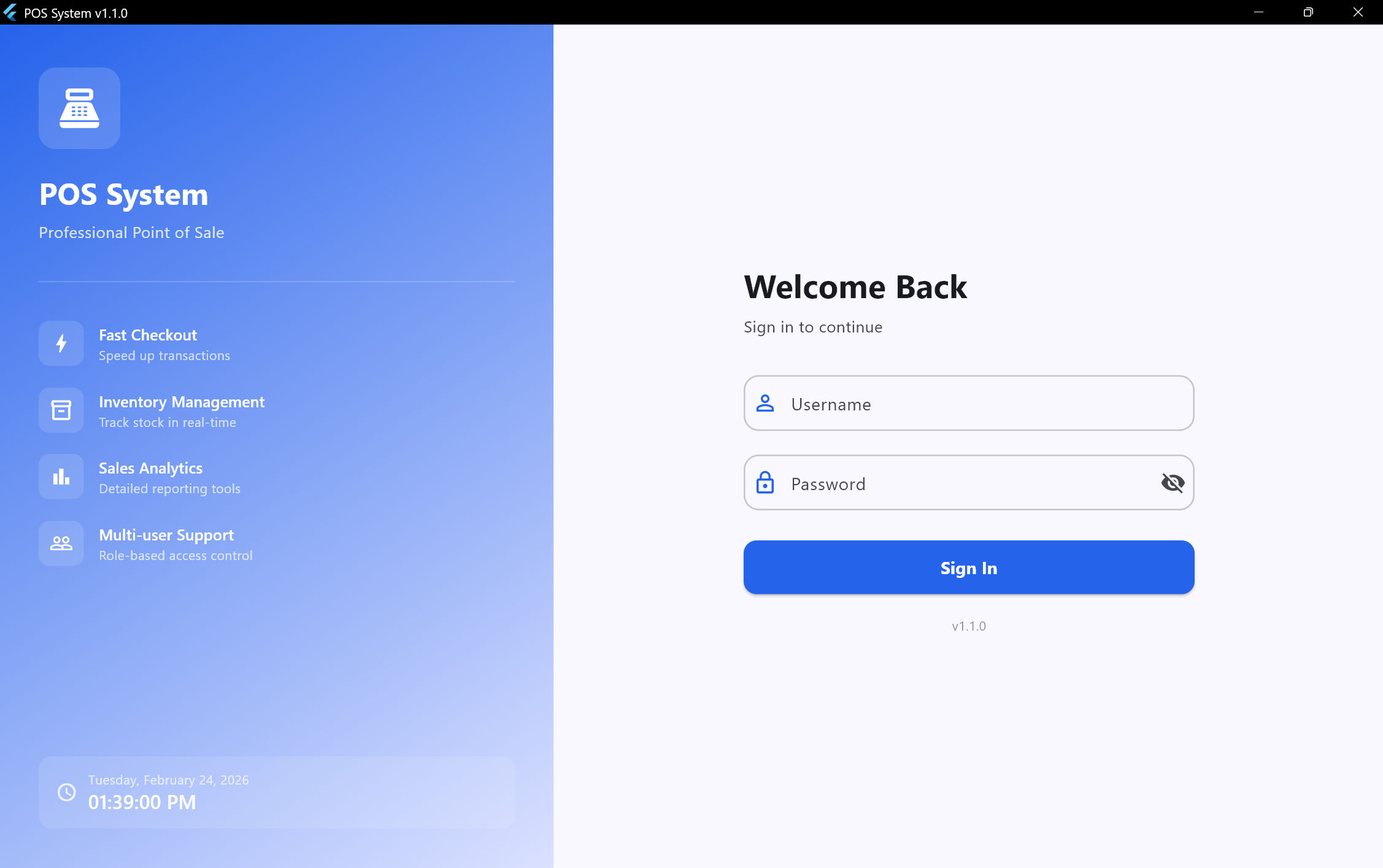
A client asked me to build a POS system, and after using it in production, I turned it into a product I now sell. I already have my first paying customer and they're happy with it. I built this because most POS systems I've seen have real problems — refunding is overcomplicated, and if a customer steps away, you can't hold their cart and serve the next person. I fixed both of those. The system supports three roles (Admin, Cashier, Seller) with a multi-tenant setup so one seller can manage multiple stores, each with its own settings and currency. Right now I'm building the most exciting feature: local network sync — the admin laptop runs as a server, cashier devices connect to it, data syncs instantly, and if WiFi drops, cashiers keep working on their local database and sync back when reconnected.
Key Features
- POS interface with product browsing, cart management, barcode scanner auto-detection, discounts, held orders, and refunds
- Shift management with opening/closing cash reconciliation and discrepancy tracking
- Real-time admin dashboard with interactive charts (sales trends, hourly performance, payment breakdown, top products)
- Inventory management with product CRUD, barcode generation, stock tracking, and bulk import/export
- Customer & loyalty system with purchase history, loyalty points, and tier progression (Member/Bronze/Silver/Gold)
- Role-based access control with fine-grained dot-notation sub-permissions and guard widgets
- Multi-tenant architecture for sellers managing multiple client accounts with per-client feature restrictions
- ESC/POS thermal receipt printing, PDF receipts, and visual drag-and-drop barcode label layout editor
- Sales and shift reports with date filtering, exportable to CSV and Excel formats
- Local network sync — admin laptop as server, cashier devices sync instantly, offline fallback with auto-resync (in development)
Tech Stack
Technical Details
Built with Flutter targeting Windows, Linux, and macOS. I chose SQLite because the system needs to work offline — it now has 18 schema versions with an incremental migration system that preserves all data when updating. fl_chart powers the admin dashboard charts. For printing, I wrote low-level ESC/POS commands with bitmap conversion to talk directly to thermal printers, and built a drag-and-drop barcode label editor. Reports export to CSV and Excel. The new local network sync feature uses the admin laptop as a server — cashier devices connect over WiFi and fall back to local storage when disconnected.
Challenges & Solutions
The barcode scanner detection was a fun problem — scanners send characters in rapid bursts while humans type slowly, so I used a 50ms timing threshold to tell them apart. The thermal printer integration required low-level binary protocol work because different printer models behave differently with bitmap conversion. The database migration system across 18 versions was tricky — every update has to preserve existing data perfectly since real businesses depend on it. The current challenge is the local network sync: handling data conflicts when a cashier works offline and then reconnects to the admin server.
Role
Solo Developer & Product Owner
Duration
20 days (core build) + ongoing development
Status
In Production — 1 paying customer